
TV Resolution, HDR, and Refresh Rate: Sorting Fact from Hype
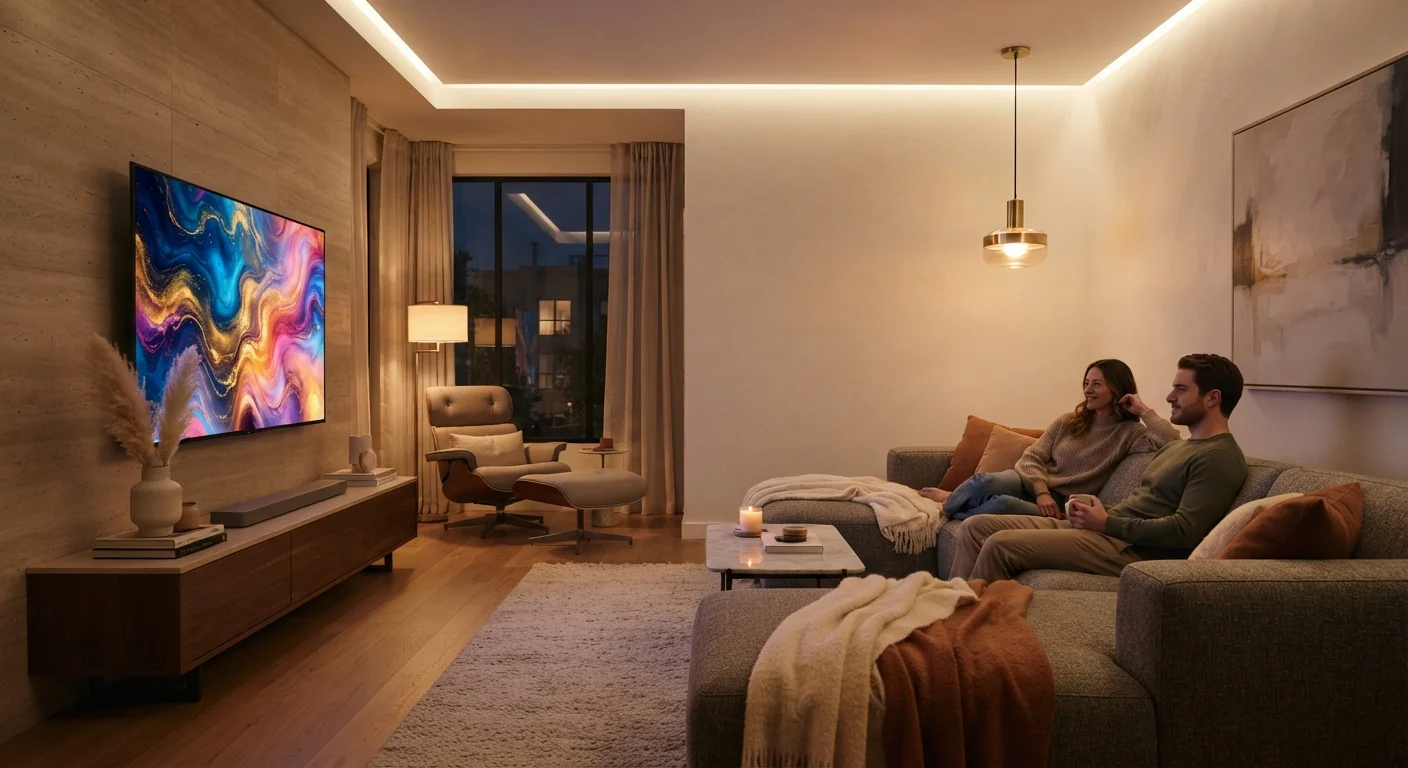
Photo credit: InsightsGrove.com | Discover Joy In Reading
In this article
Many TV spec claims are misleading. Understand what 4K, HDR10, and 120Hz actually mean in a real living room.
Key Takeaways
- 4K resolution only delivers a visible improvement if your screen is large enough and your viewing distance is close enough.
- Many TVs advertise '120Hz' using motion-processing tricks rather than a true native 120Hz panel.
- HDR label alone means little - peak brightness and color volume determine whether HDR content actually looks better.
- Most streaming content is still compressed, which limits how much any resolution spec can improve real-world picture quality.
Why TV Specs Are Built to Impress, Not Inform
Walk into any electronics section and you'll see TVs plastered with numbers: 4K, 8K, 120Hz, HDR10+, Dolby Vision. Each figure sounds like a meaningful upgrade. In practice, many of them describe lab-ideal performance that your living room will never reproduce - or specifications that only matter in scenarios most viewers never encounter.
This matters financially. Spec inflation routinely pushes shoppers toward higher price tiers for differences they cannot perceive. Understanding what these numbers actually measure - and under what conditions - is one of the most practical cost-saving skills you can develop. For a broader look at how marketing language distorts value signals, see how terms like 'advanced' and 'premium' are used on product listings.
Myth
A 4K TV will make everything you watch look sharper and more detailed.
Fact
4K resolution only delivers a visible improvement when the screen is large, your seating distance is close, and the content is actually produced and delivered in 4K.
Resolution describes the number of pixels on the screen, not the quality of the image you see. Three conditions must align for 4K to matter: the content must be sourced in 4K, your viewing angle and distance must be close enough for your eye to distinguish individual pixels, and the signal must reach the panel without heavy compression. Most cable TV, broadcast, and a large portion of streaming content is not native 4K - it's upscaled from lower resolutions by the TV's processor, which fills in detail algorithmically rather than reproducing it from the source.
Myth
Any TV labeled 'HDR' will display HDR content with rich contrast and vivid highlights.
Fact
The HDR label describes format compatibility, not display capability. A TV must reach sufficient peak brightness and color volume to render HDR content as intended.
HDR - High Dynamic Range - is a content and display standard designed to reproduce a wider range of brightness levels and colors. However, the minimum certification thresholds are low enough that many affordable TVs qualify for the label despite hardware that cannot deliver the highlight pop or shadow detail HDR content contains. Consumer electronics researchers and display reviewers commonly note that a TV with 300-nit peak brightness will 'pass' HDR signals but tone-map them down significantly, producing results that differ little from standard dynamic range on the same panel.
Myth
A 120Hz refresh rate means all video on that TV will look smoother.
Fact
The panel's refresh rate only affects motion clarity when the incoming signal matches or benefits from that rate. Most video content runs at 24-60 frames per second.
Refresh rate describes how many times per second the panel can redraw its image. A 120Hz panel theoretically reduces motion blur - but only when fed a signal that outputs enough frames to use that headroom. Standard broadcast television runs at 29.97fps. Most theatrical films are produced at 24fps. Streaming platforms typically deliver 24-30fps. In those scenarios, the 120Hz panel's advantage is largely irrelevant unless the TV is applying motion interpolation, which is a software effect rather than a native quality improvement.
Myth
8K TVs offer a meaningful upgrade over 4K for home viewing.
Fact
There is currently very little commercially available 8K content, and the resolution difference over 4K is imperceptible to most viewers at normal living-room distances.
8K resolution (7,680 × 4,320 pixels) offers four times the pixel count of 4K. In theory, this could produce finer detail on very large screens viewed from very close distances. In practice, the content ecosystem for 8K remains extremely limited - no major streaming platform offers native 8K at scale, and broadcast infrastructure does not support it. Additionally, at typical viewing distances, the resolving limit of human vision means most people cannot perceive the difference between 4K and 8K on screens under 85 inches. For the majority of buyers, 8K represents a premium that current real-world usage cannot justify.
Myth
Spending more on a TV always means noticeably better picture quality.
Fact
Above a certain price threshold, improvements in picture quality become marginal and highly dependent on the specific content and viewing conditions involved.
Price and performance are correlated in the TV market - up to a point. Panels in the mid-range tier from established manufacturers often match or closely approach premium-tier sets in everyday viewing conditions, particularly for streaming content where compression limits the ceiling for any display. The most meaningful differences at higher price points tend to involve panel type (OLED vs. QLED vs. standard LCD), local dimming quality, and build materials - factors that can matter in specific use cases like dark-room cinephile viewing, but are less relevant for well-lit living rooms and casual watching. Understanding what drives price in any product category is a core shopping myth worth unpacking.
What the Numbers Actually Require to Deliver
Each major spec comes with a set of real-world conditions that must be met before it produces any visible benefit. Miss one condition and the spec becomes irrelevant, regardless of how it reads on the tag.
~8 ft
Typical US living-room viewing distance
At this distance, display researchers note that a 55-inch 4K panel approaches the threshold where 4K offers a visible advantage over 1080p.
24 fps
Standard film frame rate on streaming platforms
The majority of theatrical content delivered via streaming services runs at 24 frames per second, well below what a 120Hz panel is designed to optimize.
400-600 nits
Minimum peak brightness for meaningful HDR
Display standards bodies and independent reviewers generally consider this brightness range the floor for HDR highlights to be rendered with visible impact.
Resolution depends on screen size and seating distance. At a typical living-room distance of 8-10 feet, the human eye cannot resolve the individual pixels of a 4K panel on anything smaller than roughly 65 inches. On a 43-inch set from the couch, 1080p and 4K are often indistinguishable.
HDR depends on peak brightness, measured in nits. A TV needs sustained brightness of at least 400-600 nits to render most HDR content with meaningful highlight detail. Many entry-level HDR-labeled TVs peak well below that, producing HDR that looks nearly identical to standard dynamic range.
Refresh rate depends on the signal source. A 120Hz panel only reduces motion blur with content or games that actually output at 120 frames per second. Standard broadcast TV runs at 30 or 60fps. Most streaming services deliver 24fps. The panel's native rate is irrelevant without a matching signal.
For a deeper look at how specifications can mislead as easily as they inform across all product categories, read our guide to decoding product spec sheets.
Motion Smoothing Is Not the Same as 120Hz
Many TVs marketed with '120Hz effective' or 'motion rate 120' use interpolation software to simulate higher frame rates from 60Hz native panels. This processing can introduce a 'soap opera effect' - artificially smooth motion that many viewers find unnatural, particularly for film content. Check the panel's native refresh rate in manufacturer documentation, not the headline figure on packaging.
Making a Decision That Reflects Your Real Setup
The most useful question isn't "which TV has the highest specs" - it's "which specs will I actually activate in my home." Audit your situation before comparing numbers: How far do you sit from the screen? What's the room's ambient light level? What sources will you watch - streaming, cable, gaming consoles?
Streaming compression is a frequently overlooked factor. Major platforms encode video at bitrates that visibly limit fine detail and color accuracy regardless of the TV's native capability. This doesn't mean resolution is meaningless, but it does mean the gap between mid-range and top-tier panels narrows considerably for the average streaming viewer.
Gaming is the clearest use case where 120Hz and low input lag provide genuinely perceivable benefits - provided your console or PC supports those frame rates. If gaming is a primary use, those specs warrant genuine attention. For everyone else, they're often secondary considerations. The same principle of matching specs to actual use cases applies to computing hardware too - see which laptop specs actually affect everyday performance.
If you want to go further in building a skepticism-first approach to electronics purchases, the smart shopping habits hub covers broader tactics for cutting through spec noise across product categories. And for the hidden factor that no spec sheet covers - how long a TV is actually built to last - this guide on durability research is worth reading before you decide.
This article is for general informational and educational purposes only. Specifications and their real-world impact can vary by manufacturer, content source, and individual viewing conditions.

Author
Savvy Shopping Editorial Team
Savvy Shopping Editorial Team is the collective byline for our editorial team and contributor network. Articles published under this byline or an editorial pen name are researched, written, and reviewed according to our editorial standards for clarity, consistency, and independence before publication.
View all articles →